

After creating a basic graph, you can fine tune it by double-clicking on individual traces or axes or by right-clicking on an object to access a contextual menu.
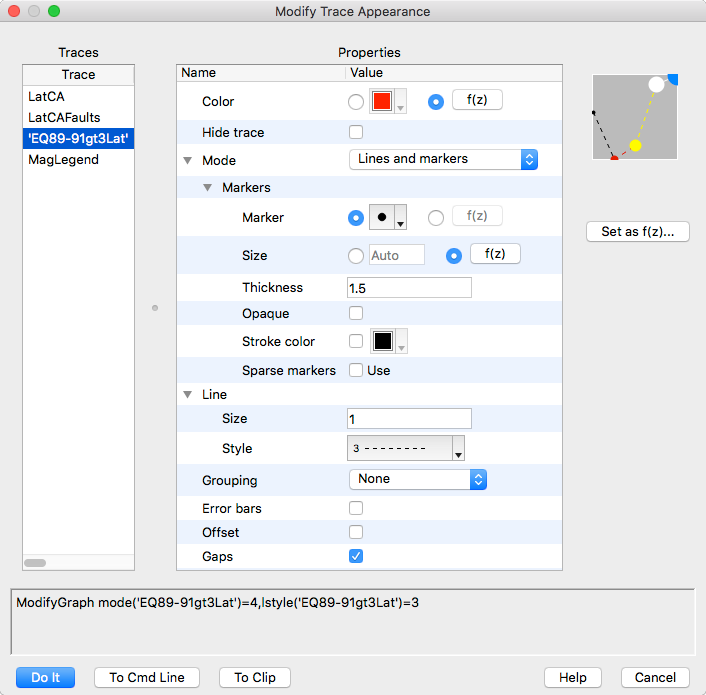
Double-clicking on a trace auto-selects that trace in the Modify Trace dialog as shown below.
You can set individual traces, or selections of multiple traces, to any desired mode. The appearance of the dialog depends on the display mode of the selected trace (lines and markers mode in this example).
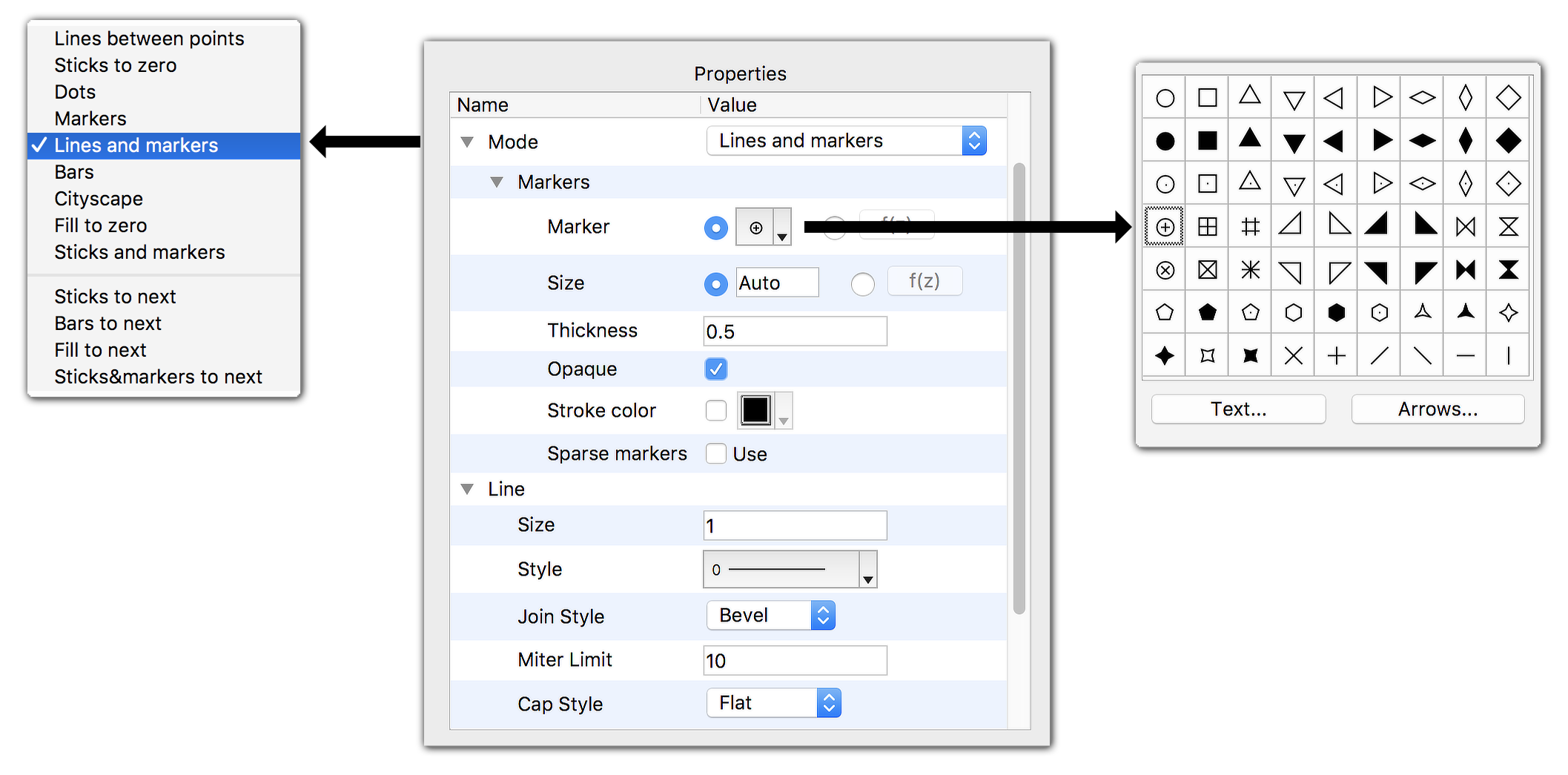
Modes for a given trace may be set to:
- Lines between points
- Sticks to zero
- Dots
- Markers
- Lines and markers
- Bars
- Cityscape
- Fill to zero
- Sticks and markers
Additional modes that utilize the next trace in the list are:
- Sticks to next
- Bars to next
- Fill to next
- Sticks and markers to next

Forum

Support

Gallery
Igor Pro 10
Learn More
Igor XOP Toolkit
Learn More
Igor NIDAQ Tools MX
Learn More