

With over 550 built-in operations and functions, it can be difficult to remember the input and output parameters of them all. Fortunately Igor Pro® provides contextual help menus (right-click menu on Windows, control-click on Macintosh) in the procedure windows:
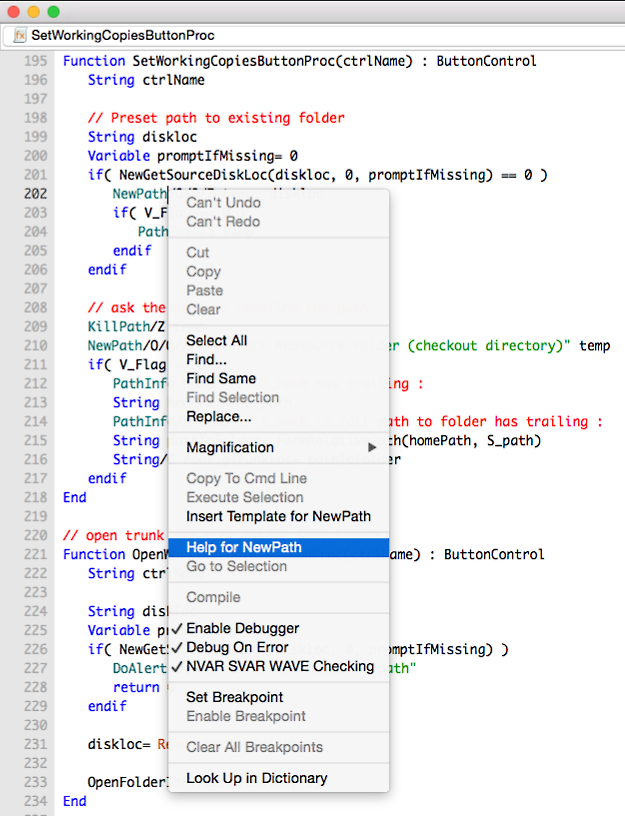
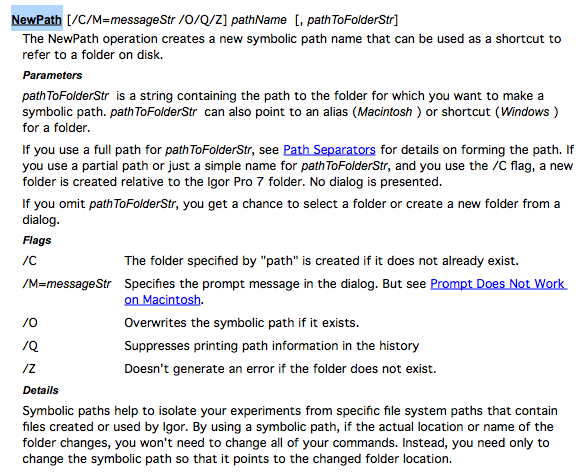
Choosing "Help for NewPath" opens a help window with detailed documentation:
Choosing "Insert NewPath Template" inserts text for you to edit appropriately:
NewPath [/C/M=messageStr /O/Q/Z] pathName [, pathToFolderStr]
The square brackets indicate optional parameters. You will replace the template parameters with the names of your own strings and variables:
String pathToFolder= "HD:folder:subfolder"
NewPath/C/O/M="locate top folder" top, pathToFolder
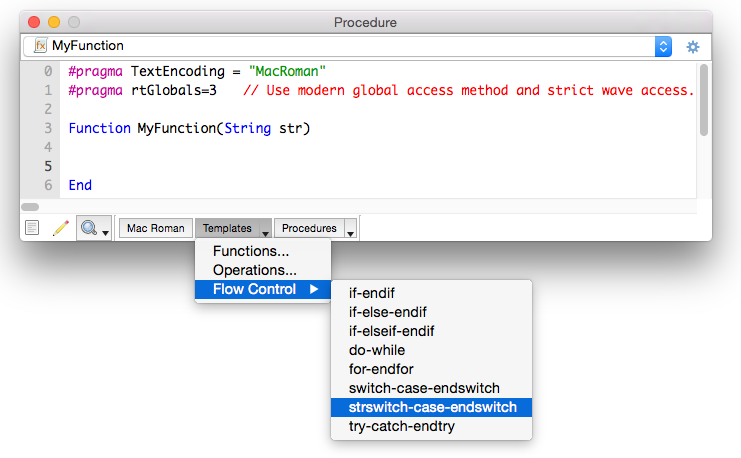
In addition to the contextual menus, the procedure windows provide a Templates popup menu for inserting any command´s template:
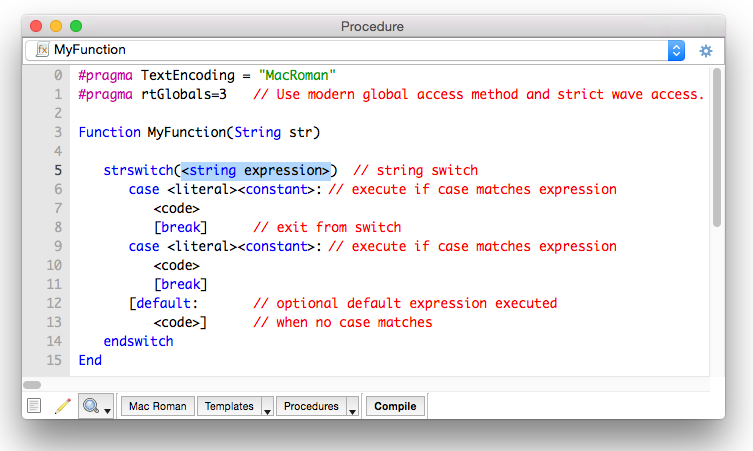
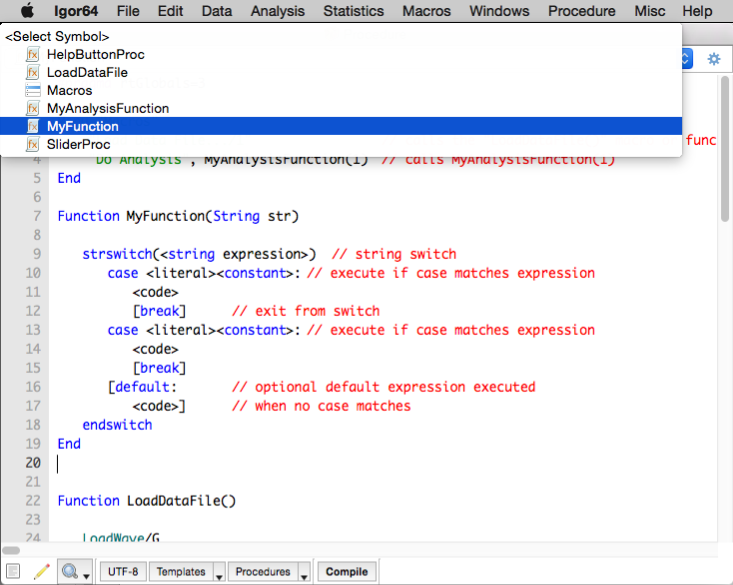
The procedure navigation bar appears at the top of each procedure window. It consists of a menu and a settings button. The menu provides a quick way to find procedures in the active procedure window:
These contextual programming aids are a small part of the many forms of helpful information provided by Igor.

Forum

Support

Gallery
Igor Pro 10
Learn More
Igor XOP Toolkit
Learn More
Igor NIDAQ Tools MX
Learn More