

コントロールの形式
「コントロール」という用語は、パネルやグラフに追加できるユーザーインターフェイスオブジェクトを指します。他のアプリケーションプログラムでは、「ウィジェット」という用語が使われることがあります。
利用可能なコントロールの種類を以下にまとめます。
|
形式 |
説明 |
例 |
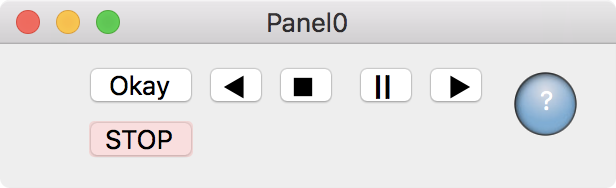
| ボタン | クリックすると、プログラマーが記述したプロシージャを呼び出します。 カスタムのボタンは、インポートしたビットマップから作成できます。 |
 |
| チャート | 機械式チャートレコーダーをエミュレートします。チャートはデータ収集プロセスの監視や、長期間のデータ記録の検証に使用できます。チャートのプログラミングはかなり複雑です。 | 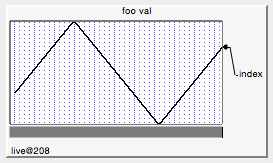 |
| チェックボックス | プログラマーのプロシージャで使うオン/オフ値を設定します。ラジオボタンと開示三角形はチェックボックスの特殊化です。インポートしたビットマップからカスタムチェックボックスを作成できます。 | 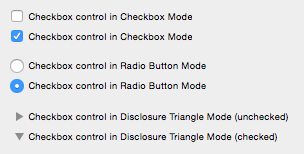 |
| カスタムのコントロール | プログラマーによって完全に指定および変更されたカスタムコントロールの形式です。 | 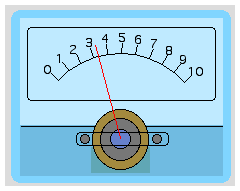 |
| グループボックス | ボックスや線でコントロールをグループ化する構成要素です。 | 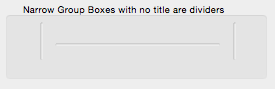 |
| リストボックス | 表示または選択するための項目をリストします。 | 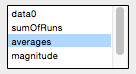 |
| ポップアップメニュー | ユーザーがプログラマーのプロシージャで使う値を選択するために使われます。 | 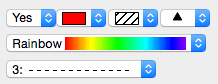 |
| 変数の設定 | 数値または文字列のグローバル変数を設定および表示します。ユーザーはクリックまたは入力によって変数を設定できます。数値変数の場合、コントロールには変数に格納された値を増減させるための上下ボタンを含めることができます。 | 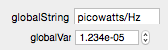 |
| スライダー | 機械式スライダーの動作を再現します。離散値または連続値のいずれかを選択します。 | 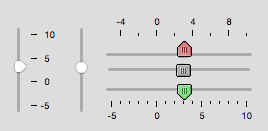 |
| タブコントロール | 複雑なパネル内のコントロール群を選択します。 | 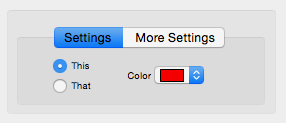 |
| タイトルボックス | 説明文またはメッセージを提供します。 | 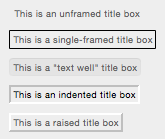 |
| 変数の表示 | 通常はグローバル変数を参照する数値式の表示結果を提示します。表示形式は数値テキスト、温度計バー、またはその両方となります。 | 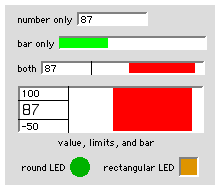 |

Forum

Support

Gallery
Igor Pro 10
Learn More
Igor XOP Toolkit
Learn More
Igor NIDAQ Tools MX
Learn More