

Gizmo- change camera zoom



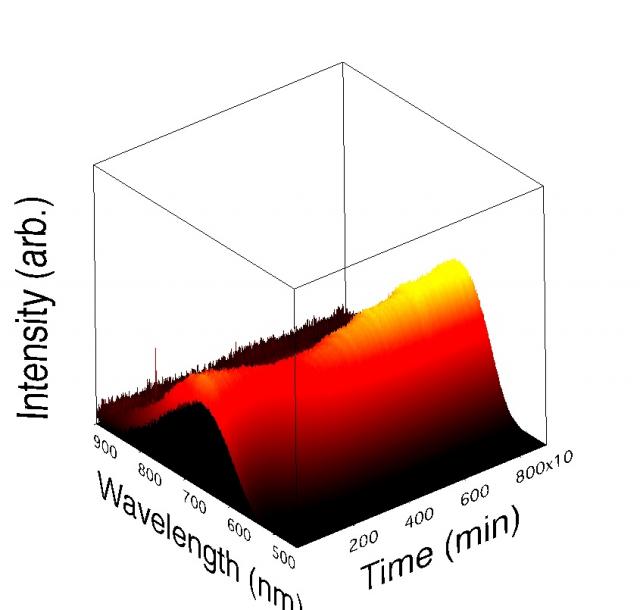
Sorry to bother you with what seems like a trivial problem, but I can't seem to figure it out. I've made a gizmo plot, and I would like to export it. However, my desired angle clips the bottom corner of one of my axes labels. I could just try a different angle or fiddle with the axes sizes, but it seems like there should be an obvious way to just change the scaling/zoom of the gizmo plot.
Thanks!
Joel
November 5, 2009 at 07:34 pm - Permalink
if I understood it correctly, open the Gizmo Info window --> Display List --> append new operation --> Scale. Enter a scaling factor. Look at the display list and drag the scale item to the top of the list.
Christian
November 5, 2009 at 11:48 pm - Permalink
General scaling as suggested above would work. A slightly better way of doing this would be to insert an ORTHO operation at the top of the display list. By default all 6 ortho values are +-2. You can increase these symmetrically to say +-2.05 and it should do the job for you.
A.G.
WaveMetrics, Inc.
November 6, 2009 at 09:40 am - Permalink
-------------
Najala Greene
home security systems
November 17, 2009 at 10:33 am - Permalink
January 21, 2010 at 10:47 am - Permalink