

Image Graph not updating on base data load and overwrite



Hi,
I have an image analysis experiment and as part of the automation scheme, I have a singular wave that holds the image and when I load a new image that wave gets overwritten to preserve the wave name in the procedure.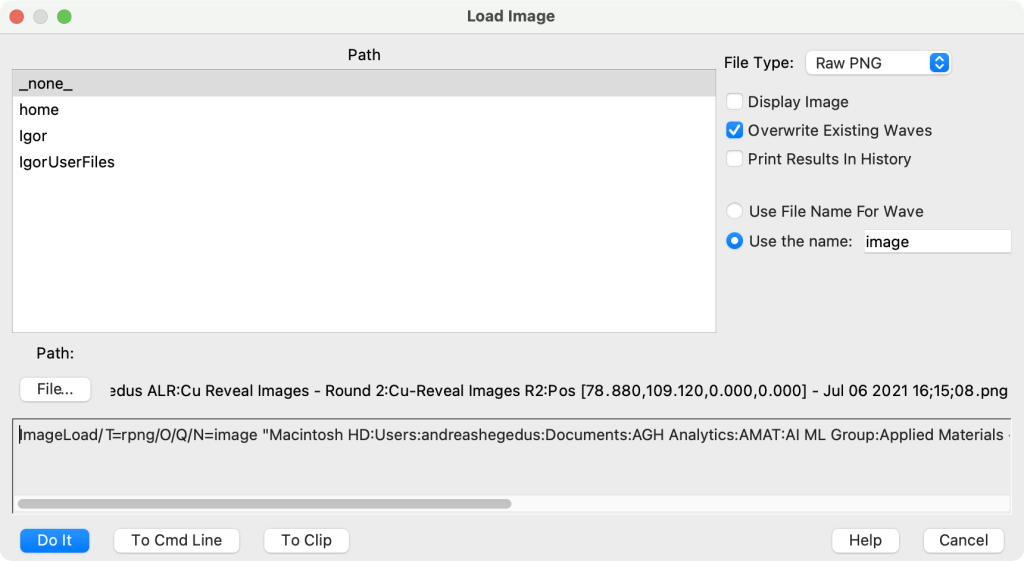
So I have wave cleverly called image and have it displayed in a graph window. I then load a new wave, manually at present, and select the same name and highlight the overwrite checkbox. The image loads but the display of the image still retains the previous input. I run a function that calls that wave and does some functions and returns some data. After that has run, the display in the original graph now shows the newly loaded data.
function ImageMark(wave imagein)

	Variable num_pads,index,pointcount
	//Find the roi of for background and for pad arrays
	//fill in gaps between
	NewdataFolder/O/S Temp
	ImageMorphology /i=5/E=5 Erosion imagein
	Wave IM = M_ImageMorph
	Wave M_imagethresh
	//generate a background curve
	Extract/FREE imagein, Backgroundtemp, M_imagethresh==255
	Make/O/N=256 background
	histogram/CUM/B=2 backgroundtemp,background
	pointcount=numpnts(Backgroundtemp)
	background /=pointcount


	find_Pads_stats(IM)
	//Find Pad Centers
	wave W_xmax,w_xmin,W_ymax,W_ymin
	num_pads=numpnts(W_xmax)
	make/O/N=(num_pads,2) centers
	setlabels("x;y",centers,1)
	centers[][%x]=(w_xmax[p]+w_xmin[p])/2
	centers[][%y]=(w_ymax[p]+w_ymin[p])/2
	for(index=0;index<num_pads;index+=1)
		find_pads_mark(IM,centers[index][%x],centers[index][%y])
		wave M_particlemarker
		Extract imagein, padtemp, M_particlemarker==0
		make/O/N=256 $("pad_"+num2str(index))
		wave pad=$("pad_"+num2str(index))
		histogram/CUM/B=2 padtemp,pad
		pointcount=numpnts(padtemp)
		pad /=pointcount

	endfor
	setdataFolder root:
end
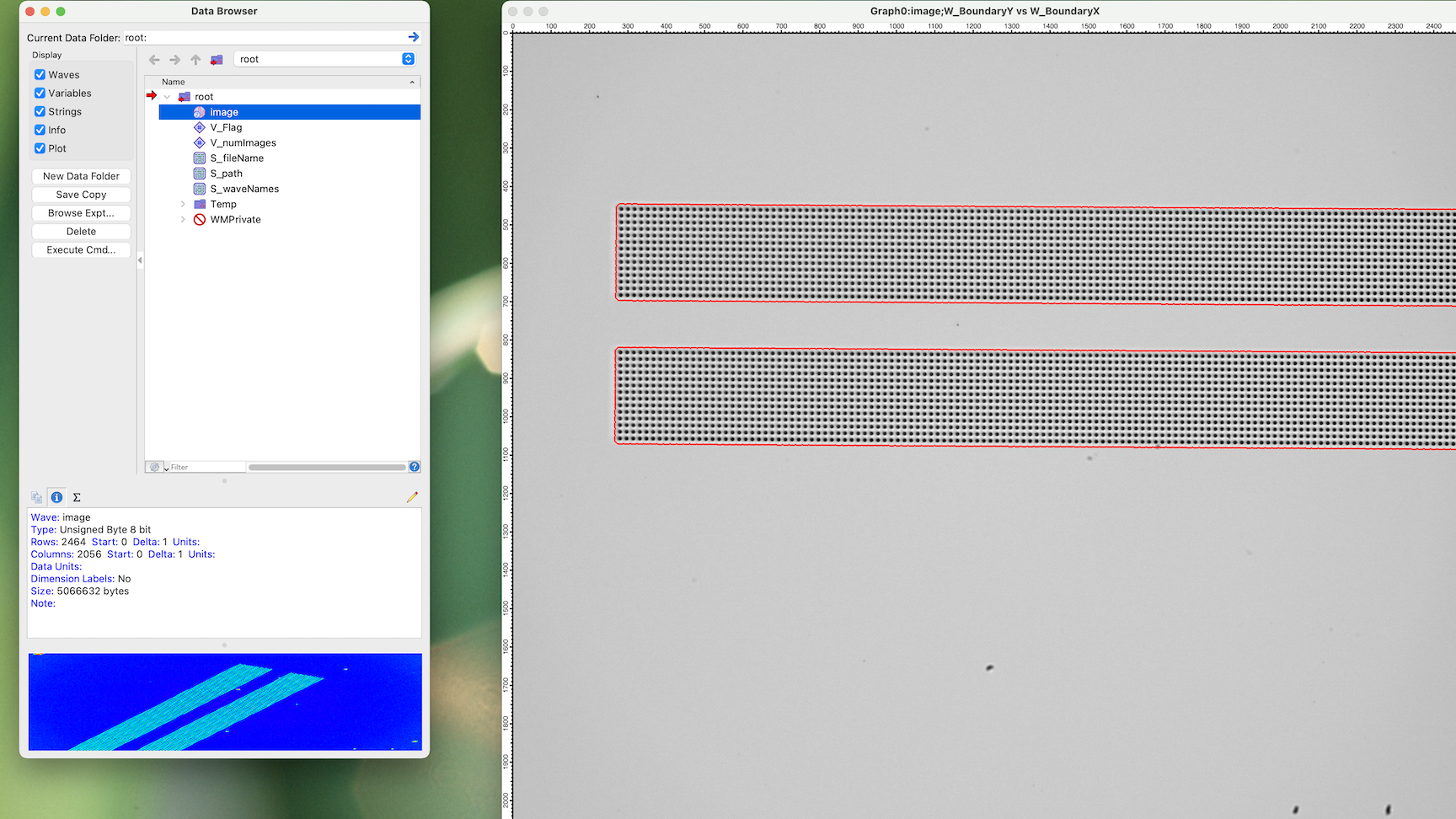
It was my understanding that the original graph would have been updated automatically to reflect the new underlying upon load. Am I mistaken? I am using IP Version: 9.00 (Build 37840) on a Mac OS X 11.6 (Big Sur). The example in the image shows the effect. I have loaded new data and you can see it in the preview pane in data browser. The large graph with is displaying that same wave, but it has the data from the previous wave.
Andy
Andy,
It is difficult to tell you what is going on other than starting from the observation that some of the displayed waves belong to the private data folder (you should make copies elsewhere). It is also possible that you are displaying an image of a wave that is in the private data folder. In general, it is clear which wave is displayed in the Data Browser while it may not be obvious about graph windows.
AG
November 12, 2021 at 02:08 pm - Permalink
Doesn't that just look like that ImageLoad does not mark existing waves as modified when it has written into it?
November 12, 2021 at 02:47 pm - Permalink
Hi,
Here is the window recreation macro for the graph. Pretty simple stuff. It is pullng waves from two places the root where the image is and the temp folder I create for organizational neatness.
Andy
November 12, 2021 at 03:22 pm - Permalink
It seems that Thomas is correct; the RPNG is not marking the wave as modified. A simple workaround for Andy is to execute a DoUpdate after loading the new image. This will be fixed for the next build.
AG
November 12, 2021 at 03:47 pm - Permalink
Or a simple non-modifying modification to the wave: image += 0
November 12, 2021 at 04:21 pm - Permalink
In reply to It seems that Thomas is… by Igor
hegedusHi,
Doupdate is not a workaround. The image still does not update. Just FYI.
Andy
November 13, 2021 at 12:50 pm - Permalink
Andy,
Right. DoUpdate checks to see if the wave is marked as modified. Have you tried the nightly build?
AG
November 13, 2021 at 04:16 pm - Permalink
In reply to Andy, Right. DoUpdate… by Igor
hegedusHi,
I did just try it and (drum roll please) - It works as expected. You guys are the best.
Andy
November 13, 2021 at 05:13 pm - Permalink