

Modifying drawtext object



Hello. I am making a user interface using an Igor's panel and would like the program to display a few lines of message about data processing step to the users. I have used SetVar with global string and it works fine for short messages, but for long multi-line message, I still cannot find a good way to do it in the panel. I understand that TextBox inside Graphs can be used for that, but is there any equivalent textbox that I can put in the panel to display multi-line texts? DrawText works almost fine but what is the best way to modify the displayed text? Do I need to store the object index to delete and draw a new one everytime? I attached the images of the panel that I'm working on.
Thank you very much
Best wishes
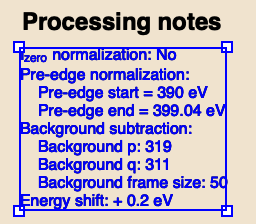
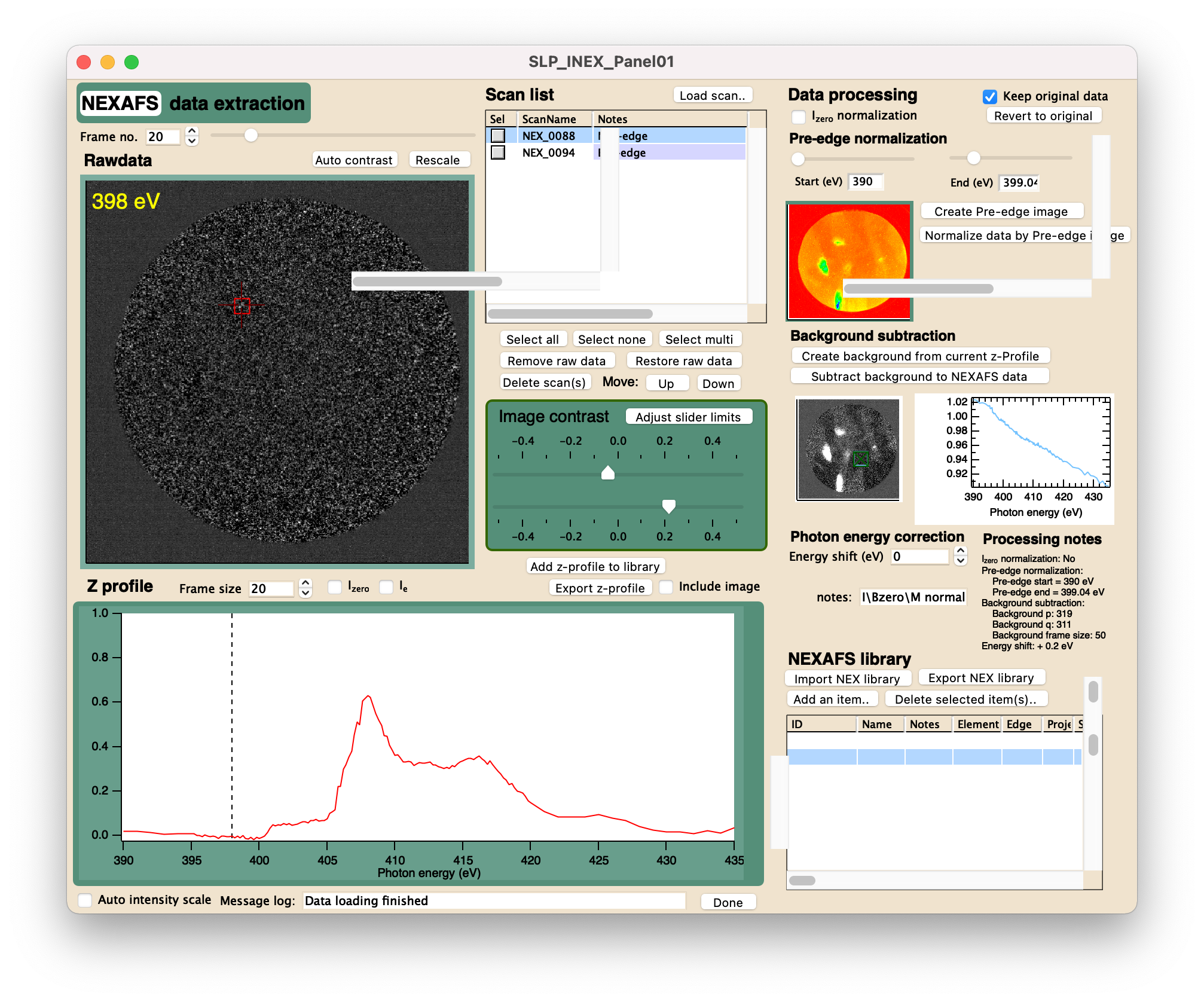
For a simple multiline text: Use a TitleBox where the message is the title. Use \r to break the line here. To replace the text just call the TitleBox again with the new title= setting.
For doing advanced stuff with all bells and whistles: Embed a notebook subwindow, where you could even display a complete manual with formatting. You can use the Notebook command to modify the contents, but it is more involved of course.
January 4, 2022 at 01:15 am - Permalink
In reply to For a simple multiline text:… by chozo
euaruksakulThank you very much, Chozo. I never thought about adding NoteBook subwindows to a panel. I find that interesting and will explore more about NoteBook programming. TitleBox almost works except that it can only display a limited number of characters.
January 6, 2022 at 08:25 pm - Permalink
If you use Titlebox title="a string", then the number of characters is limited. If you use the variable keyword instead of title, you can have more text:
January 7, 2022 at 09:35 am - Permalink